Your CRM says one thing. A partner export says another. Someone in operations knows which one to trust. If that sounds familiar, an AI assistant will inherit the same uncertainty your team deals with today.
For a growing business with several teams and established systems, the first useful AI investment may be getting the underlying information into shape. Start with the data needed for one valuable task, rather than a company-wide cleanup.
What Aero taught us about fragmented data
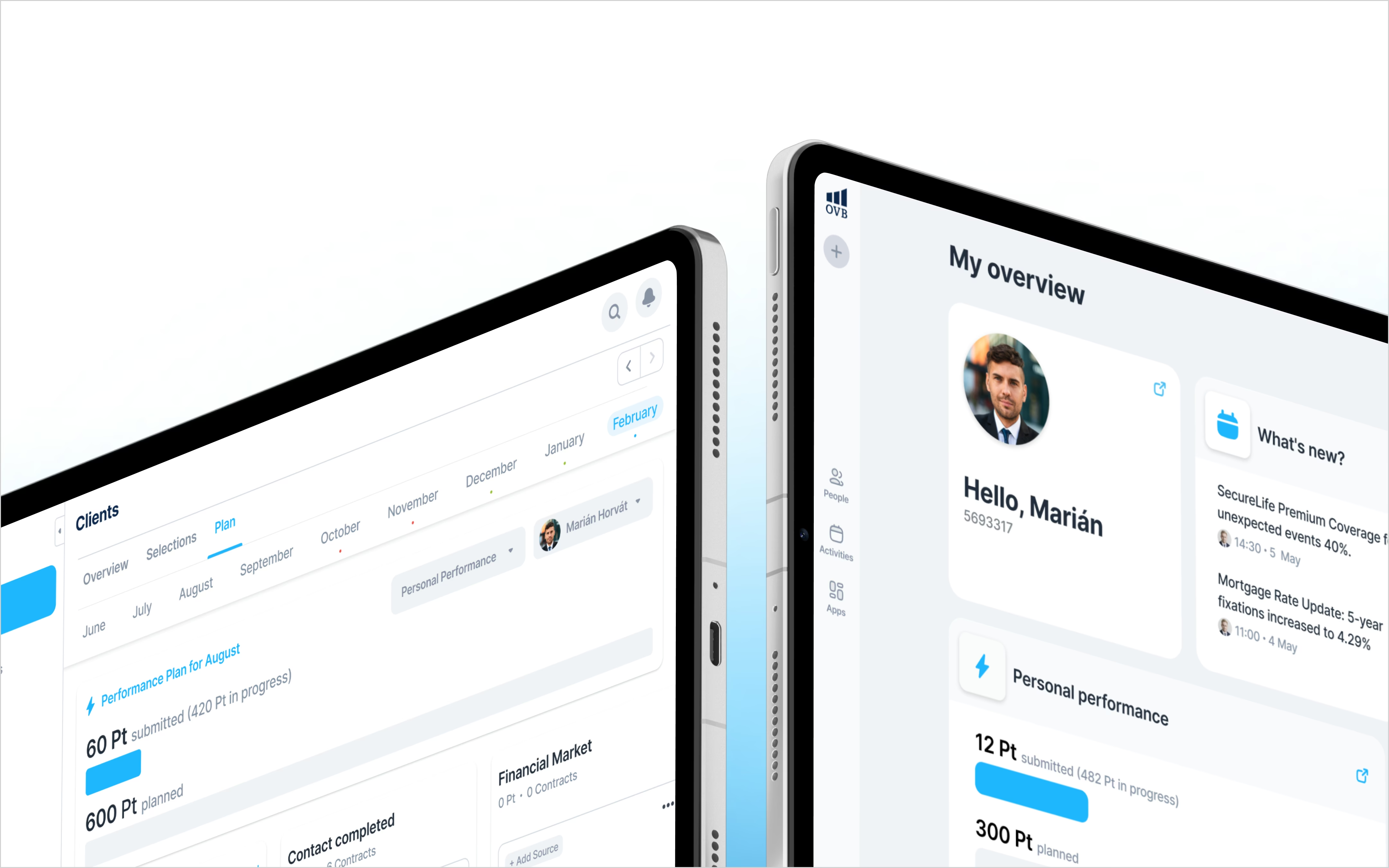
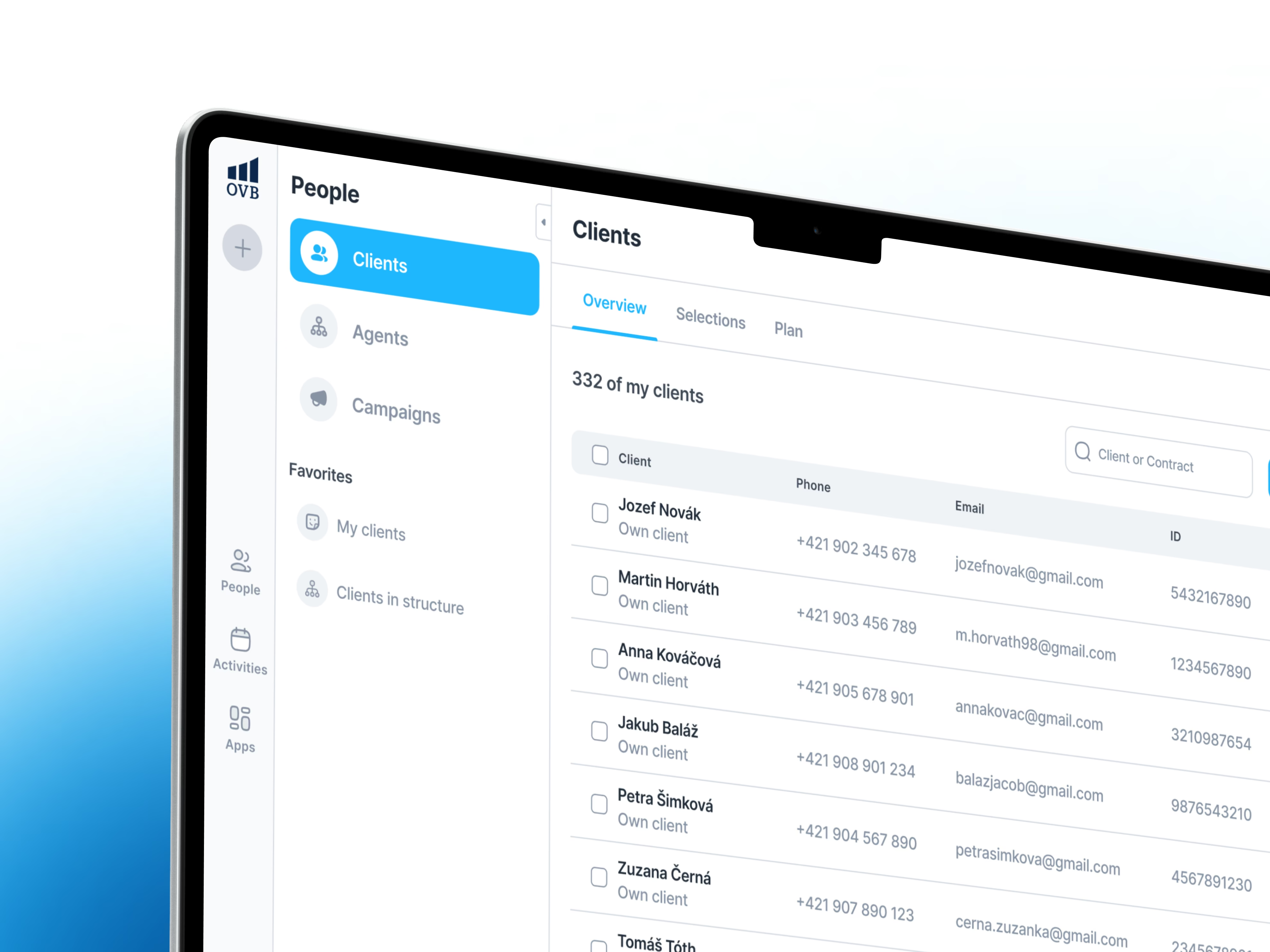
When we worked on Aero for OVB, sales operations relied on separate legacy tools and incompatible data sources. Some databases were regularly deleted and rebuilt, so they could not provide a dependable history of changes. External partners supplied information through different channels, with gaps in availability and quality.
We brought multiple sources into a local database that could track changes. That created a more usable foundation for the CRM. This was a data and integration project; the lesson for AI is that dependable inputs need deliberate work.
Make one workflow ready
Take a task such as preparing a client follow-up list. Before choosing an AI tool, ask the team to show how they produce that list today. Then work through four decisions:
- Agree which source wins. Decide where each important field comes from. The CRM might own contact details while a partner owns contract status. Put a named business owner behind those decisions.
- Match the same customer across systems. Check how records are linked when names, email addresses or identifiers differ. Send uncertain matches for review instead of quietly merging them.
- Keep the history that matters. Record when information changed and where it came from. A fresh import should not erase the evidence needed to understand yesterday’s decision.
- Define what missing means. An empty field could mean “unknown”, “not applicable” or “not received yet”. Those states should lead to different actions.
Test the inputs before automating the output
Choose a representative set of cases, including awkward ones: duplicate customers, late updates and incomplete records. Have the person who currently handles the work compare the prepared data with what they would actually use.
Log each disagreement and its cause. Can the business resolve it with a clear rule? Does it need human judgement? Or is the required information unavailable? That tells you which parts are ready to automate and which need a review step.
Measure how often someone still has to repair or verify the inputs. A polished AI response is not useful if the team must investigate every fact behind it.
Your next step: pick one recurring task and create a short list of its required fields, trusted sources, owners and acceptable data age. You now have a concrete starting point for an AI project.
These lessons come from our work on Aero, a CRM platform for OVB. Explore the Aero case study.