An automated workflow looks straightforward when every system sends the right information on time. The expensive questions appear when an export arrives late, an update is incomplete or a partner changes how it shares data.
If your team has to spot and repair those gaps manually, the automation has created a new monitoring job. Plan the exception handling alongside the normal process.
The dependency you do not control
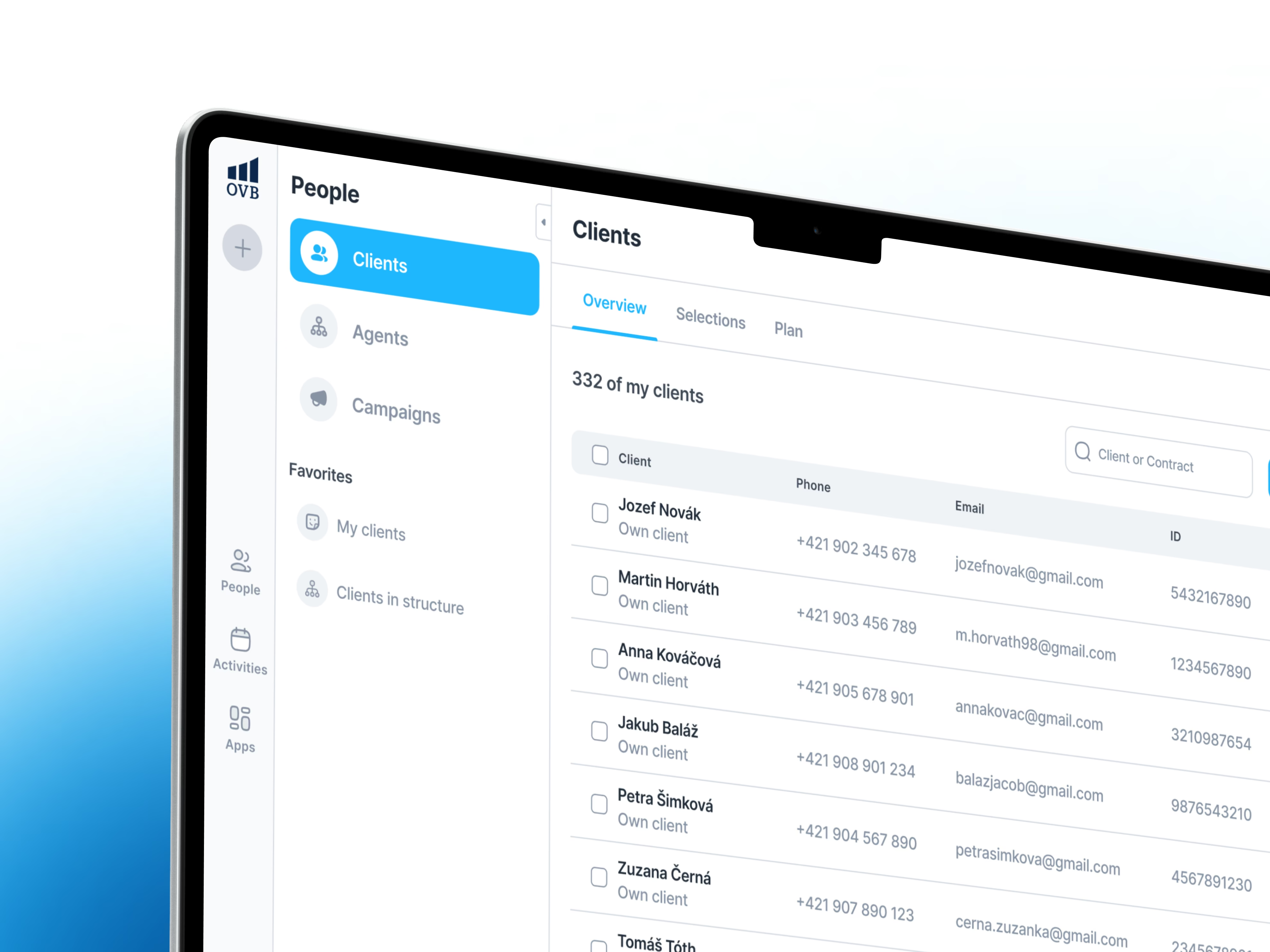
On Aero, external partners provided data through different channels, including APIs and exports. Some important information was missing or difficult to acquire. Limited partner integrations also constrained how much of the platform’s potential could be realised.
One lesson from the project was explicit: integrations outside the team’s control need a fallback. For an SMB connecting its CRM, finance tools and partner systems, that is a practical delivery requirement.
Decide how the workflow should fail
For each external dependency, write down what should happen in these situations:
- The update is late. Decide how old the data can be before the workflow pauses. Show when information was last received, rather than presenting yesterday’s result as current.
- A required field is missing. Route the case to a named person or queue. Include what is missing and what is needed to resume the work.
- The same update arrives twice. Make sure processing it again will not create a second task, message or transaction.
- Only part of the work succeeds. Record which steps completed so a retry can continue without repeating actions that already happened.
These decisions should be agreed with the process owner. Engineering can implement a retry, but the business needs to decide whether an action is still appropriate after a delay.
Make the fallback usable
Consider an illustrative order workflow that depends on a partner’s stock update. If that feed is stale, sending a confident delivery confirmation is risky. A useful fallback might hold the confirmation, flag the order for review and show the last successful stock update.
The operator needs enough context to act: the affected record, the failed step, the last successful update and the next available action. “Integration error” alone just sends someone searching through other tools.
If AI handles part of the workflow, keep the same discipline. An uncertain classification or missing input needs an agreed review path before it triggers a downstream action.
Include exceptions in the pilot
Test a delayed update, a missing field, a duplicate message and a temporary outage before rollout. Ask the person responsible for the process to recover each case using the tools they will actually have.
Then monitor the size and age of the exception queue alongside completed work. A high completion count can hide a growing pile of cases nobody owns.
Your next step: choose the most important external feed in one workflow. Agree its acceptable delay, the action to take when it fails and who is responsible for recovery.
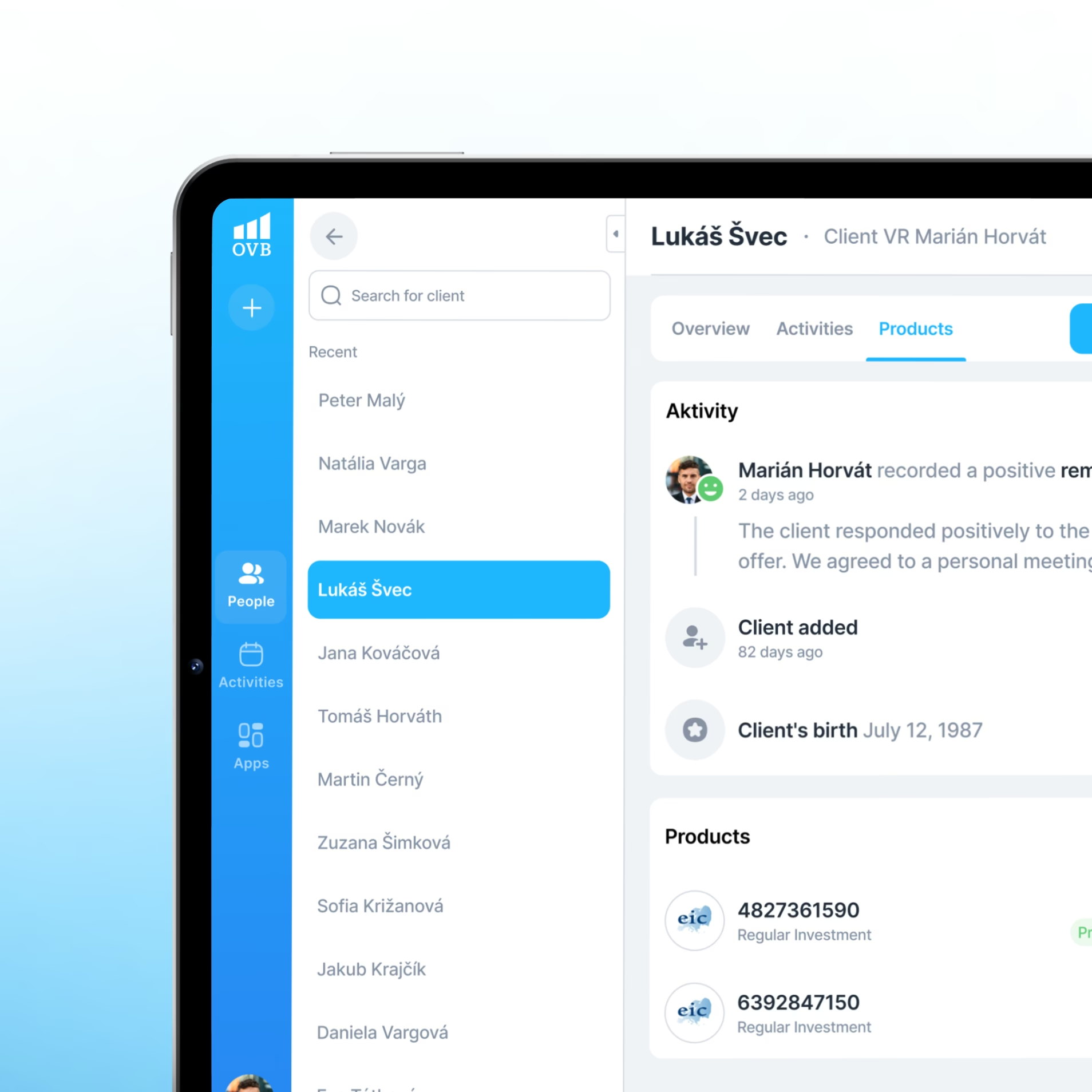
These lessons come from our work on Aero, a CRM platform for OVB. Explore the Aero case study.